
The Driver App Keeps Failing: Should Every Phone Be Replaced?
The old delivery app does not always run well on drivers' phones because of differences in specifications and Android versions.
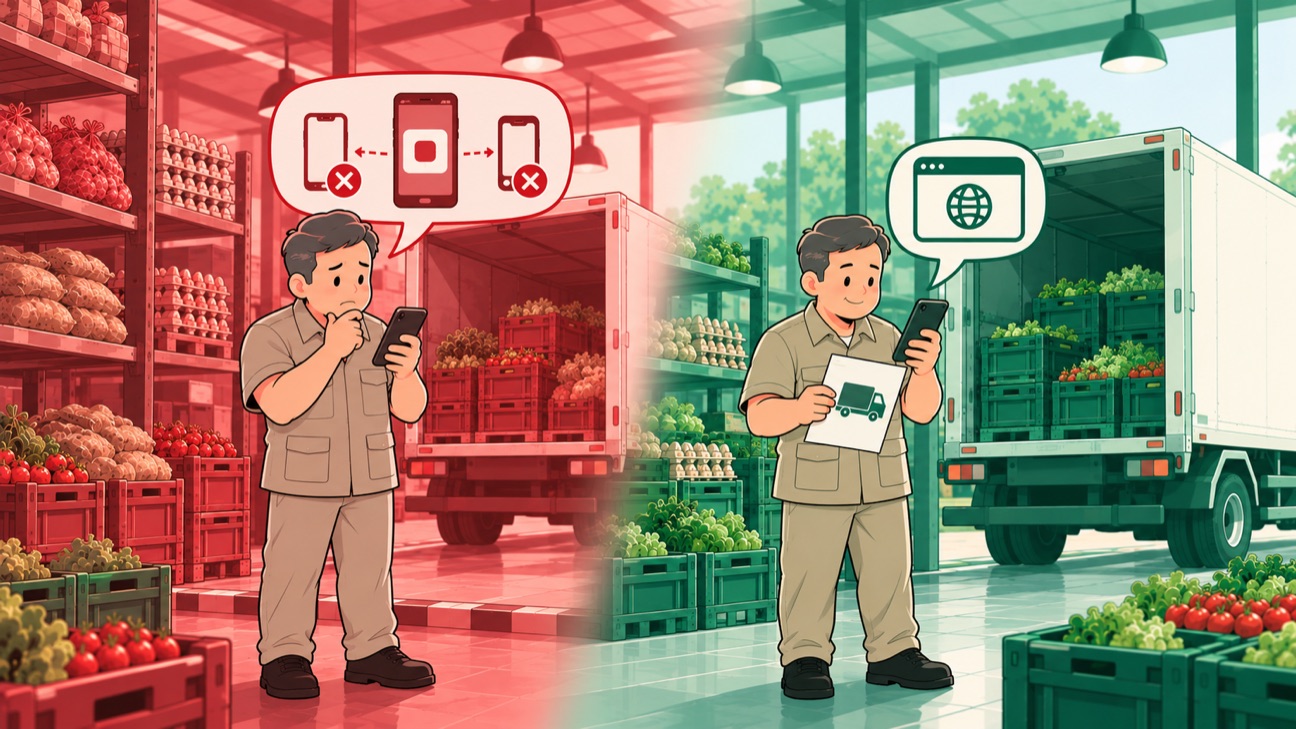
Conceptual illustration. The case is real; company details are disguised.
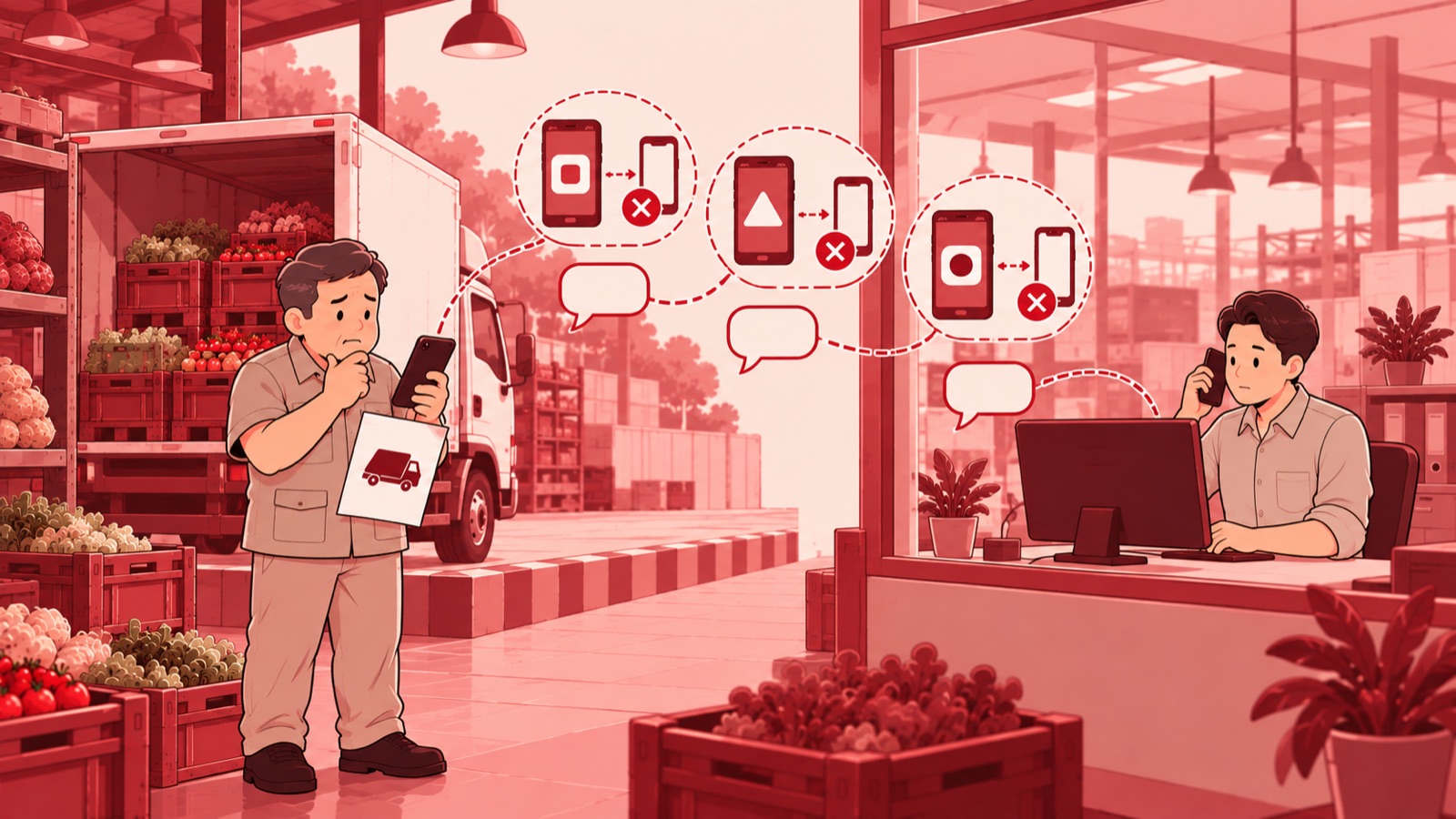
The phone is a work tool once a driver starts a delivery run. It holds the app used to open tasks, check goods, and record what happens at the customer's site. However, the vendor-built Android app used before often had problems on low-specification phones. Differences in devices and operating system versions helped decide whether the app ran well.
The problem showed up on the device drivers carry every day. Access is needed throughout the delivery work, including when drivers are already away from the office. Solving problems device by device meant technical support had to follow each combination of phone and Android version in use. Field work depended on whether the app matched the devices available at the time.
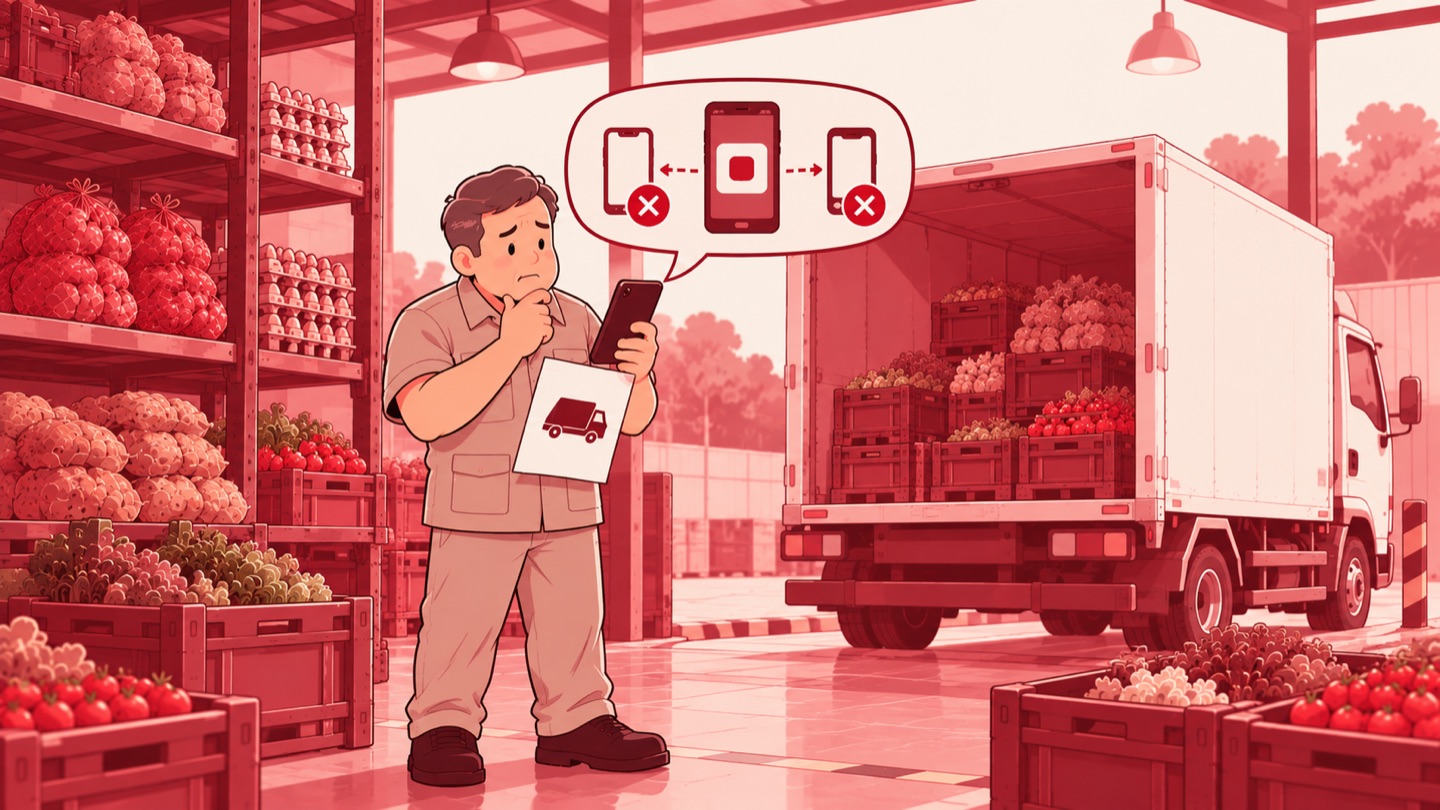
As head of the IT Division, I worked with the team to rebuild the driver app as a web application. The IT Division chose to reduce dependence on one particular Android app. Rather than make replacing every phone the answer, the IT team changed how the app is accessed, so drivers' work could keep starting from the devices already available in the field. The choice also meant stepping out of the pattern of continually adapting the vendor's app to every combination of Android versions. The internal team carried out the rebuild, with the web app as the next route of use. This direction addressed the compatibility problem at the level of the app drivers have to open.
The new app opens in a browser, the program used to view web pages on a phone. This change moves where drivers run the app, from the vendor's Android program to a web page managed internally. The core need stays the same: drivers sign in to their account, open their delivery work, and record their operational activity from the phone.
The rebuild also covers managing the app, the server, and the dashboard connected to the internal operational systems. The server runs the app's services, while the dashboard is its management view. The IT team handles these parts within the same system environment. Responsibility for maintaining and changing the driver app therefore sits with the team that manages its technical link to the company's operational services.
In 2026 use, drivers sign in with an email address or phone number and a password. The sign-in page also offers an option to remember the session and a link for a forgotten password. The page puts sign-in before the driver opens the task list, with a layout that follows the width of a phone screen.
After signing in, the driver opens the Pengiriman (Deliveries) tab to see their tasks. The list shows the date, vehicle, destination, documents, item count, and delivery time. These details sit on a single task card, linking the chosen job to its vehicle and delivery documents. The driver continues the work from that task card. The Lanjut Kirim (Continue Delivery) option sits on the task currently in progress. Delivery history is on a separate tab, apart from the task list that is currently open.
Use of the app continues to item details and a complaint form. Recording still follows the delivery activities that are already part of the driver's work. In the activity trail, the arrival time and the time a complaint was recorded are tied to the related item and driver. This web route was already in use for operational activity in 2026, beyond the stage of simply providing a sign-in page.
A division of work accompanies this technical change. Logistics and the driver coordinator make sure the needed access and accounts are in place, then pass usage problems on to the IT team. Drivers carry out their activities through the app and report access or device problems to the coordinator. The IT team maintains the app and handles the problems reported. The change in how the app is accessed still has a clear operational support route.
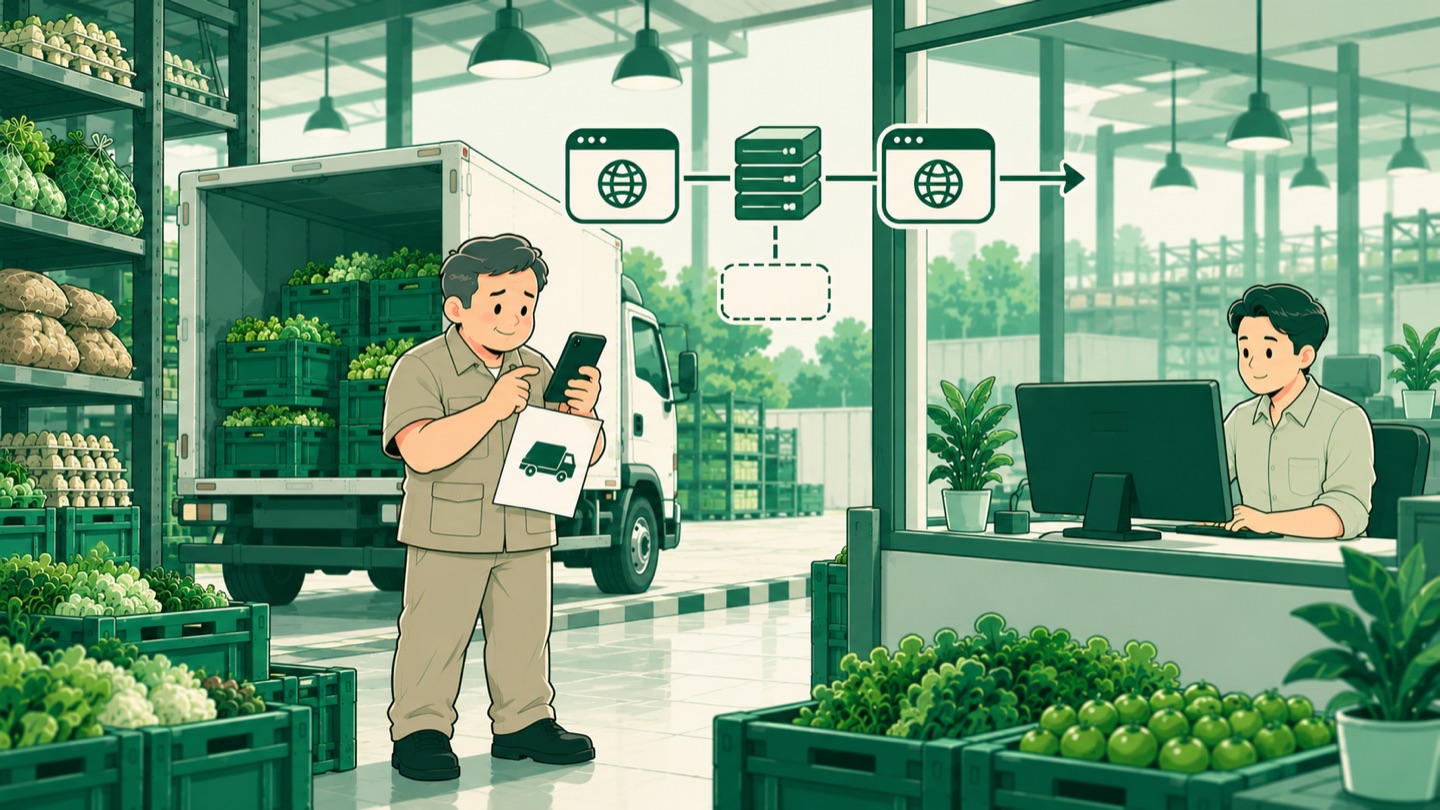
The app, server, and dashboard are managed in an internal environment, so maintaining the driver app becomes part of the IT team's work together with the connected operational services. The network and the browser still depend on the devices and connections in the field. This technical choice makes device compatibility a consideration from the moment the way of accessing the app is decided.
My lesson: when an app stumbles on the phones people work with, the first decision should go back to how people reach their work. Adjusting the app's access route opens up options before device replacement becomes the answer.