
Delivery Notes and PO Attachments Printed in a Single Route Sequence
Route changes meant taking apart stacks of delivery notes again to match attachments and rearrange them in delivery order.
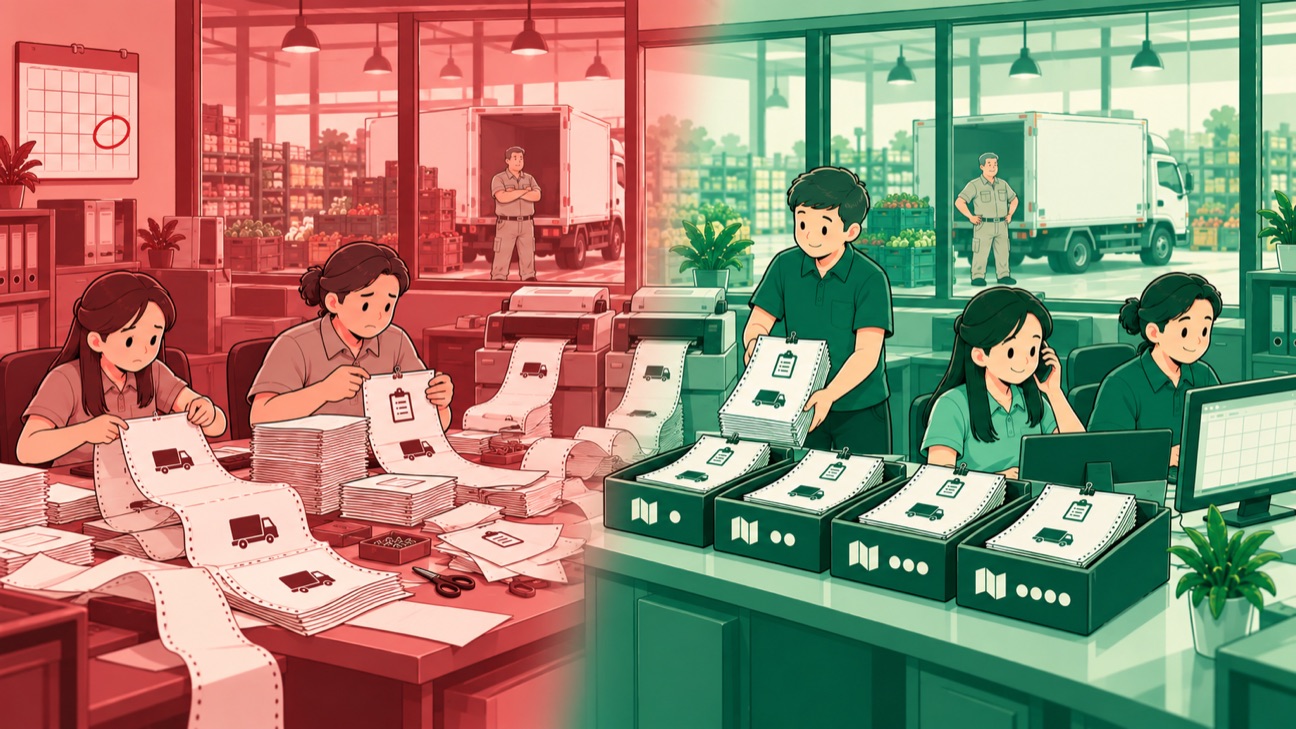
Conceptual illustration. The case is real; company details are disguised.
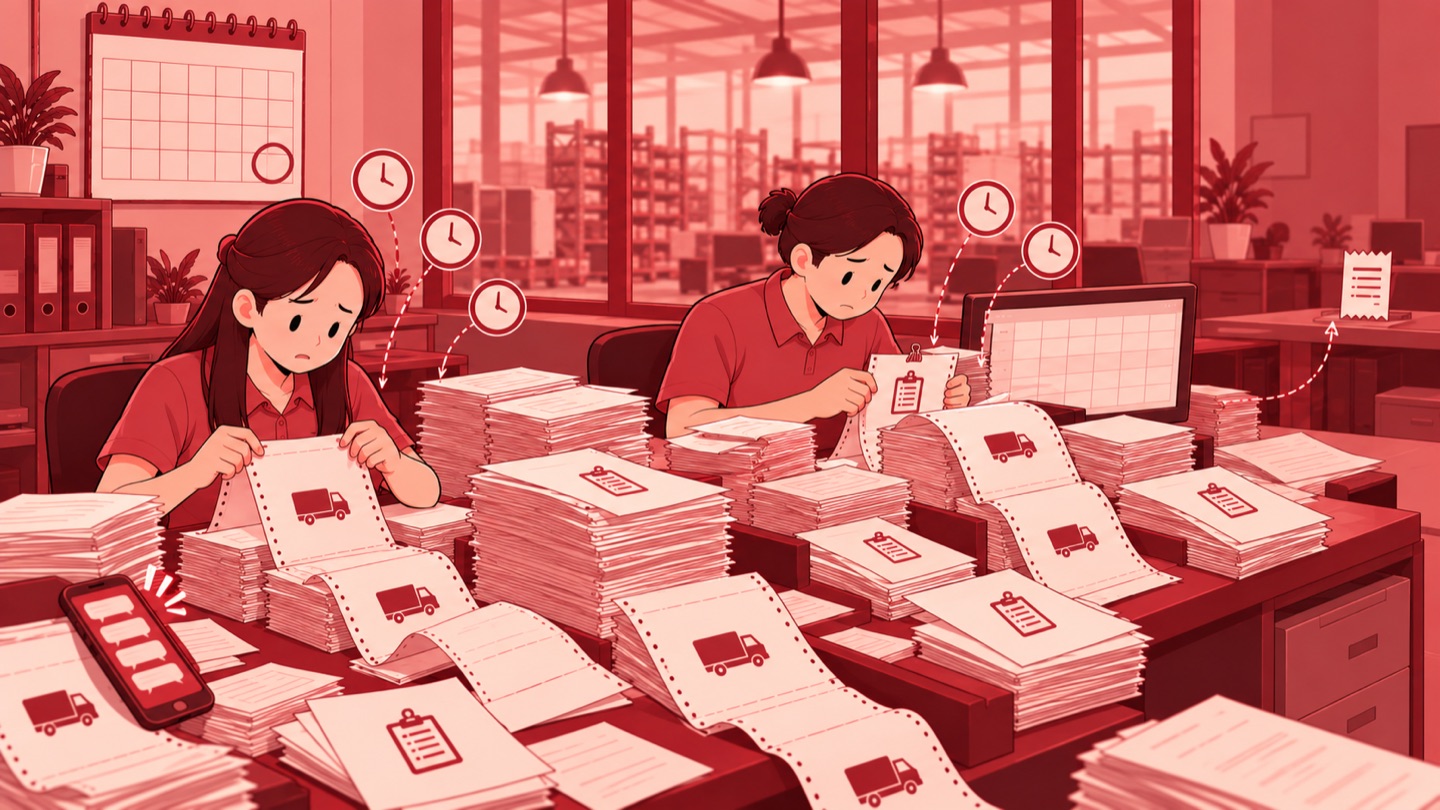
Preparing delivery documents involved several separate steps. Delivery notes were printed in batches, customer order documents were attached one by one, and the paper was then cut and arranged by route. When the route sequence changed, the stack had to be opened up again. Goods that were ready to ship still needed complete documentation before departure. Work at the printing desk was an important part of getting deliveries ready.
This process also ran on weekends and public holidays because the next deliveries still needed preparation. Administrative duty shifts kept document printing and assembly going. Alongside sales and customer service work, physically preparing documents required time of its own. This dependency came from how the documents were assembled: the complete set was only brought together after each part had been printed.
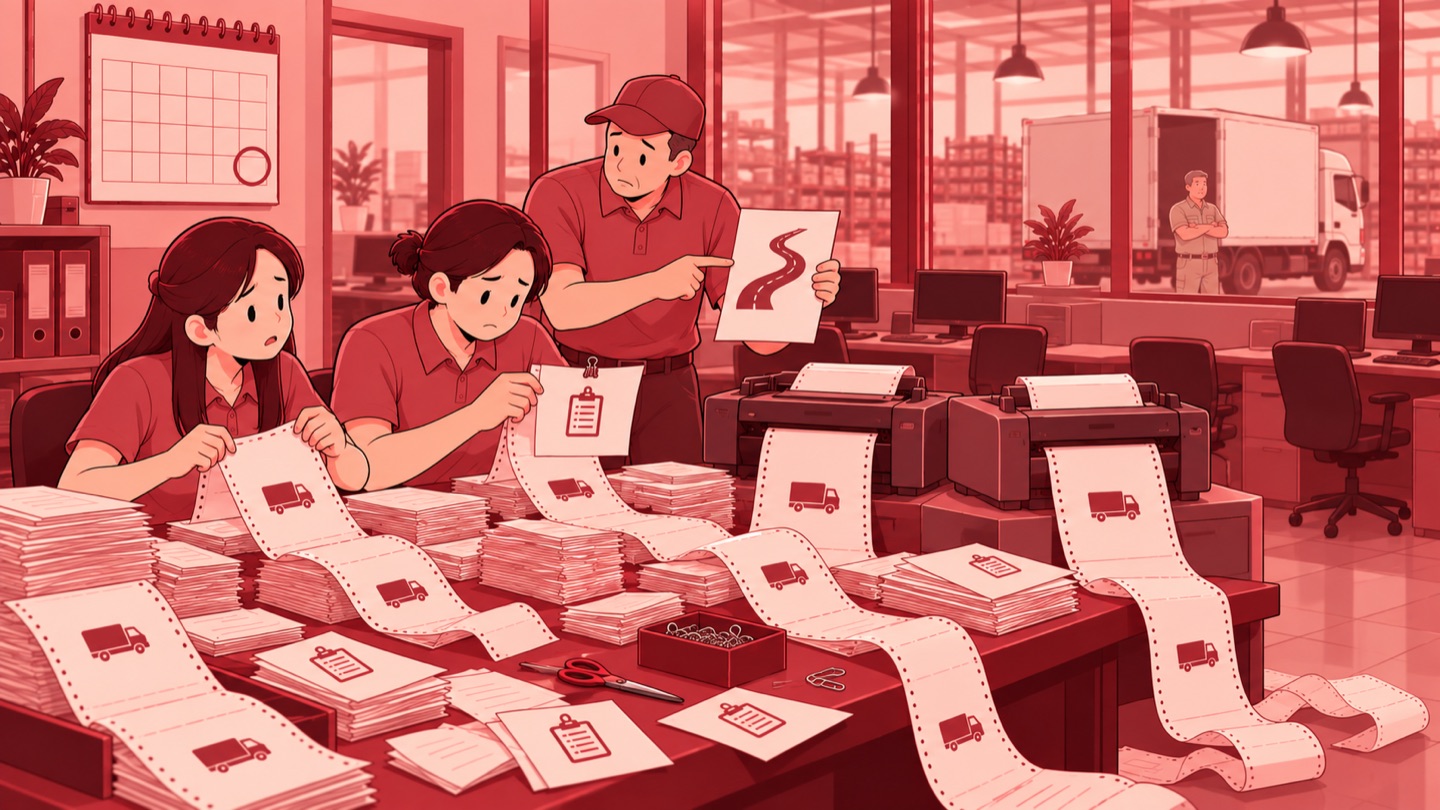
Another risk came from sheets that had already been separated. Delivery notes and their attachments could become scattered or be left behind during preparation or delivery. Complete documentation also affected the next steps in customer receiving and billing. The problem I addressed with the IT team therefore covered the links between orders, attachments, and routes, through to the physical documents carried on deliveries.
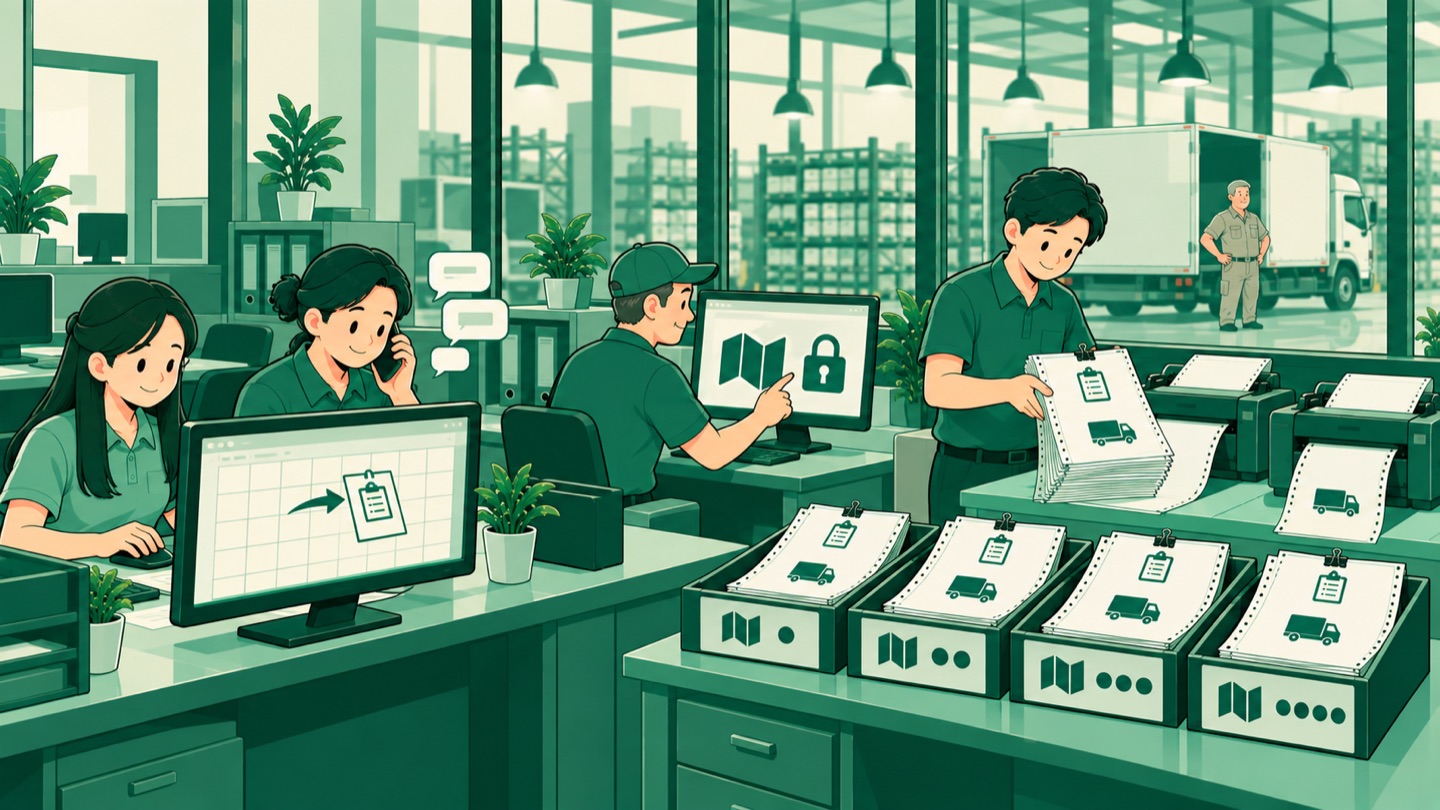
As head of the IT Division, I worked with the team to build a workflow that prepares attachments when an order is entered. Customer order documents, commonly called POs, are uploaded to the relevant order. By the time delivery documents are assembled, each attachment is already linked to its order. Matching POs was moved to the start of the data workflow, before the work of arranging printed documents. This preparation remains part of order entry: attachments are uploaded and order data completed before the final route is set. The files accompanying each order become attachments in the print output, giving the printing stage a clear document source.
The print sequence follows the final route. The head of logistics first sets the delivery sequence and locks it, establishing the route as the reference for printing. The system then arranges delivery notes and the required attachments in that sequence. Sales administrators still prepare order data and POs, while the print function uses that data together with the sequence set by logistics. Route exceptions are communicated through a recorded channel. Changes to the sequence therefore have a place in the route-setting process before the route becomes the reference for document assembly.
The output uses continuous paper. In the arrangement tested, delivery notes and attachments remain connected in delivery order. The connected set is kept intact, and documents are torn off on arrival at the corresponding delivery stop. This choice puts the sequence into the printed output while keeping the sheets physically connected during the journey. Documents do not need to be assembled again from stacks of separate sheets.
Feature development was completed in June 2026. User testing covered PO uploads, printing by route, and simulation of the document arrangement. These tests were successful. The application output showed delivery documents together with their attachment pages, while physical print samples showed the route-based sequence. The completed work consists of a set of features and a print arrangement tested with users.
The print list includes delivery date, sales channel, and print status selections. Selected orders are passed to the print output, with a choice of documents that include or omit prices. The tested output also places delivery document pages and PO attachment pages separately within a single file. These details connect order selection in the application to the documents produced by printing.
Transferring printing to Depo administrators, the administrative staff at the goods preparation site, still depends on an additional printer. In the planned division of work, sales administrators handle order data and attachments, the head of logistics sets the route, and Depo administrators handle printing and document checks by route. Preparing document content and printing it each have clear responsibilities.
My lesson: document automation needs to resolve the links between its parts before paper leaves the printer. When attachments follow orders and printed output follows the route, document assembly has a shared basis from the start through to its physical form.