
Has the Delivery Arrived? The Answer Still Has to Be Found in a WhatsApp Group
The goods have left, but news of arrival, receipt, and delivery problems is still scattered across WhatsApp group chats.
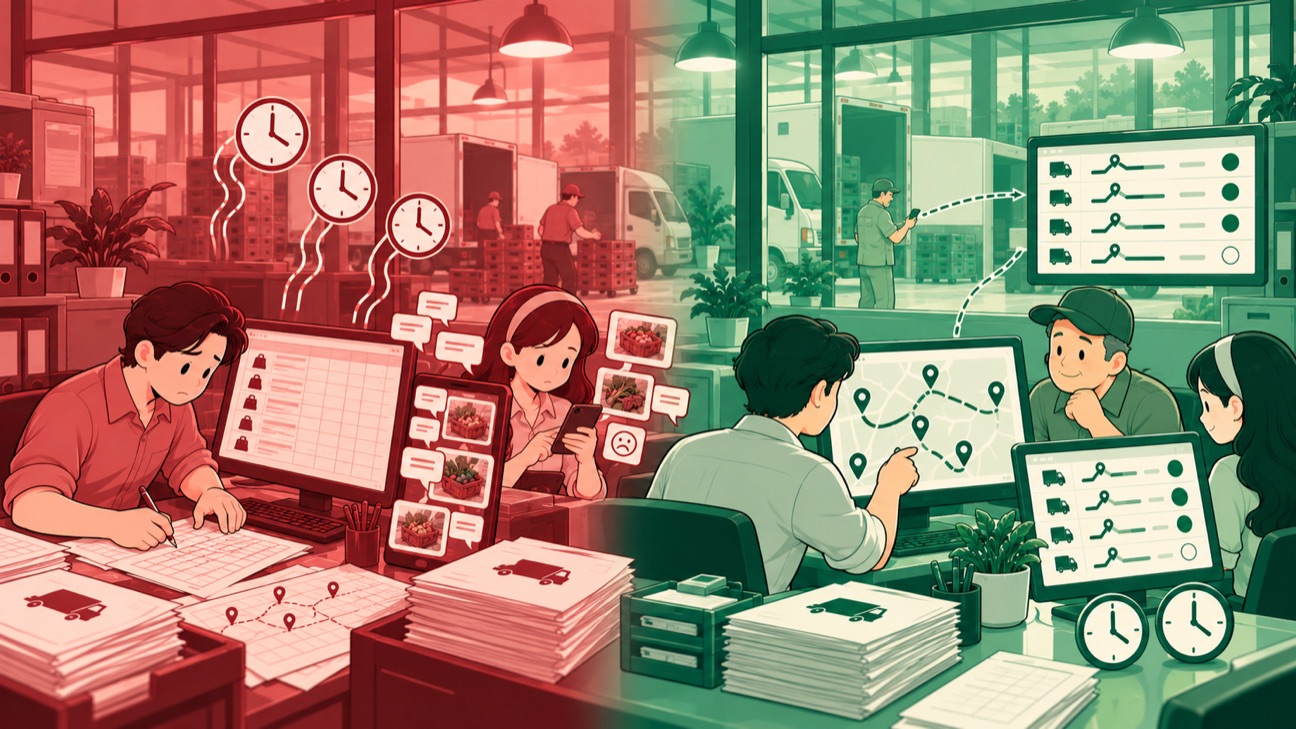
Conceptual illustration. The case is real; company details are disguised.
Every morning, the list of deliveries to business customers becomes the raw material for planning routes. A spreadsheet holds the customers, addresses, delivery documents, and weight of the goods. The order of the trip is then worked out by the person in charge, using their own judgment. The work starts again from that list before drivers receive their assignments and set off with the goods. Preparing the route and monitoring how it is carried out still happen in different places.
Once a vehicle is moving, information shifts to WhatsApp groups. Arrival times, handovers, and problems in the field come in as messages. The Logistics Admin pulls this news together into a delivery report. Customer service records complaints along with the photos they receive. Meanwhile, document confirmation waits for checking until the documents return to the Depo, the place where goods are prepared. To find out the state of a single delivery, someone has to trace back through a string of conversations.

As head of the IT Division, I worked with the team to roll out an application for the delivery list and for driver records. Trip information is attached to each delivery. The flow starts before departure, follows the driver's assignment, and carries on until the goods are received at the customer. With this arrangement, preparing a trip and reporting on how it went have a clear connection.
For trip planning, the system provides a list and an initial route based on customer data and the weight of the goods. The Logistics Manager then assigns drivers and adjusts the order of the trips. The initial routes still include trips with only a few customers, which need to be merged. That is why route setting is not left entirely to the system. The initial list becomes input for the decision of the process owner, who considers the mix of deliveries to be run that day. Manual work shifts from building the base list to reviewing and correcting routes that are already in place.
Drivers receive their assignment through the application, including the address and the goods they must carry. Before loading, they check the goods and their documents. The goods checklist and map access sit within the same sequence of tasks. Driver preparation therefore uses the same delivery details that also serve as the reference for monitoring in the office.

The most important change happens at handover. The driver records the quantity the customer received directly in the application. If there is a complaint, the form captures the category, a description, photos, and a follow-up request. The quantity received and any problems with the goods come in together with the delivery details. The receipt record is created at the customer's site, without waiting for the documents to come back.
Complaint categories distinguish goods that do not match specification, quantities that do not match, and damaged goods. The description and photos complete that information. The follow-up options record whether the goods are to be sent as a follow-up delivery or the quantity is to be adjusted. Customer service receives that record to carry the handling forward. Recording in the field gives a clearer starting point for coordination after the handover.
In the office, the task list and delivery status show how each trip is progressing along with the customer's receipt details. A compact view is used to follow trips, while the delivery detail separates goods that were received from goods with complaints. Checking starts from the selected delivery task, then moves into the customer concerned. The Logistics Admin reviews the driver's confirmation, makes any needed corrections, and then pulls the report from the system. The work of following messages and copying them into a recap turns into checking delivery records. Coordinating field problems still depends on communication and on the records the driver makes at every handover.
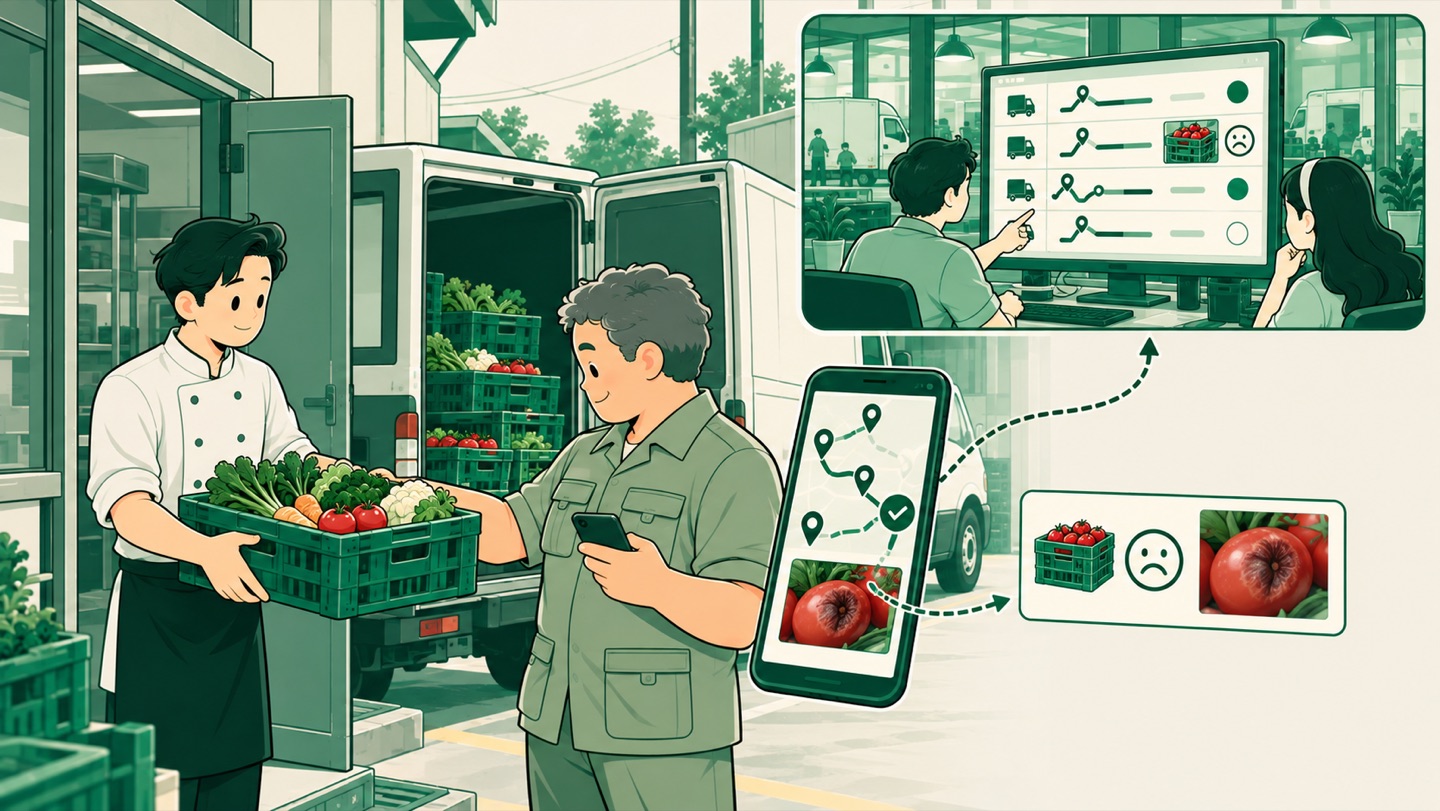
During the rollout, the IT team supported use of the application, handled minor issues, and took in user feedback. After the support period, responsibility for its use passed to the Logistics team leader. Technical support accompanied the change in how records are made until the workflow was handed over to the people who own the process. The division of work follows the process as it actually runs: Logistics arranges the trips, drivers record what happens at the customer, and customer service passes complaints on. The application connects their work through the same delivery. Information that used to move through conversations is now organized as a task list, delivery progress, and receipt details.
My lesson: the answer to whether goods have arrived needs to be recorded at the moment of handover. When records follow what happens in the field, the delivery report grows out of work that is already going on every day.