
Item Missing From the Basket: Why Does the Customer Find Out First?
The item list is printed, yet order changes still arrive while the customer's basket is being prepared for the morning delivery.
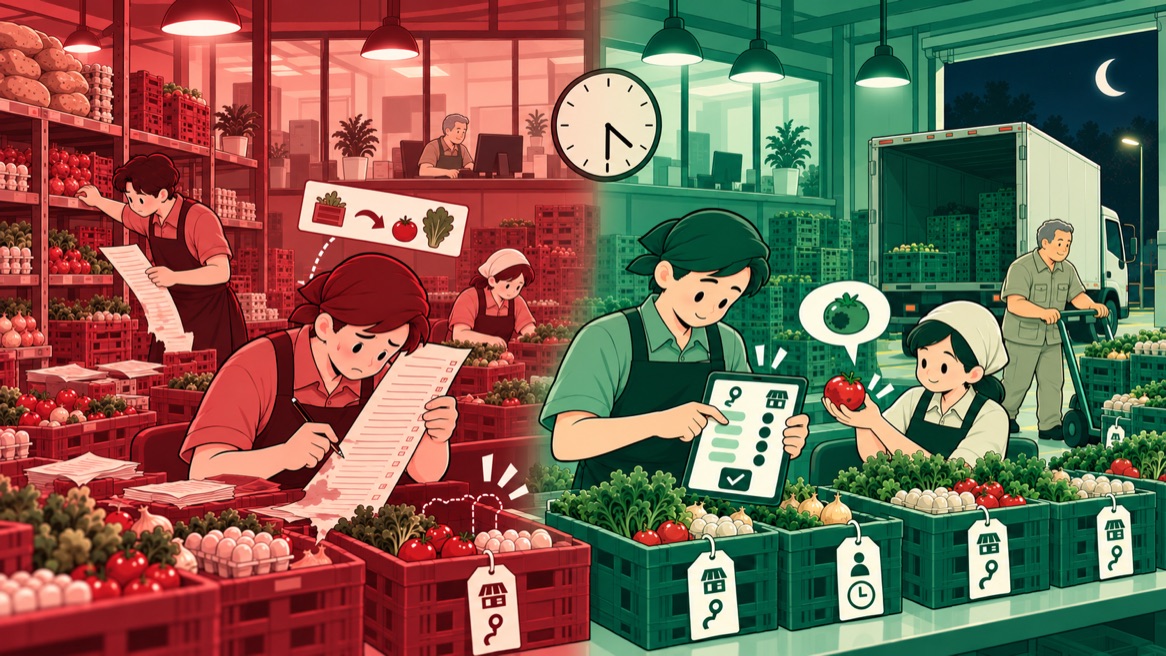
Conceptual illustration. The case is real; company details are disguised.
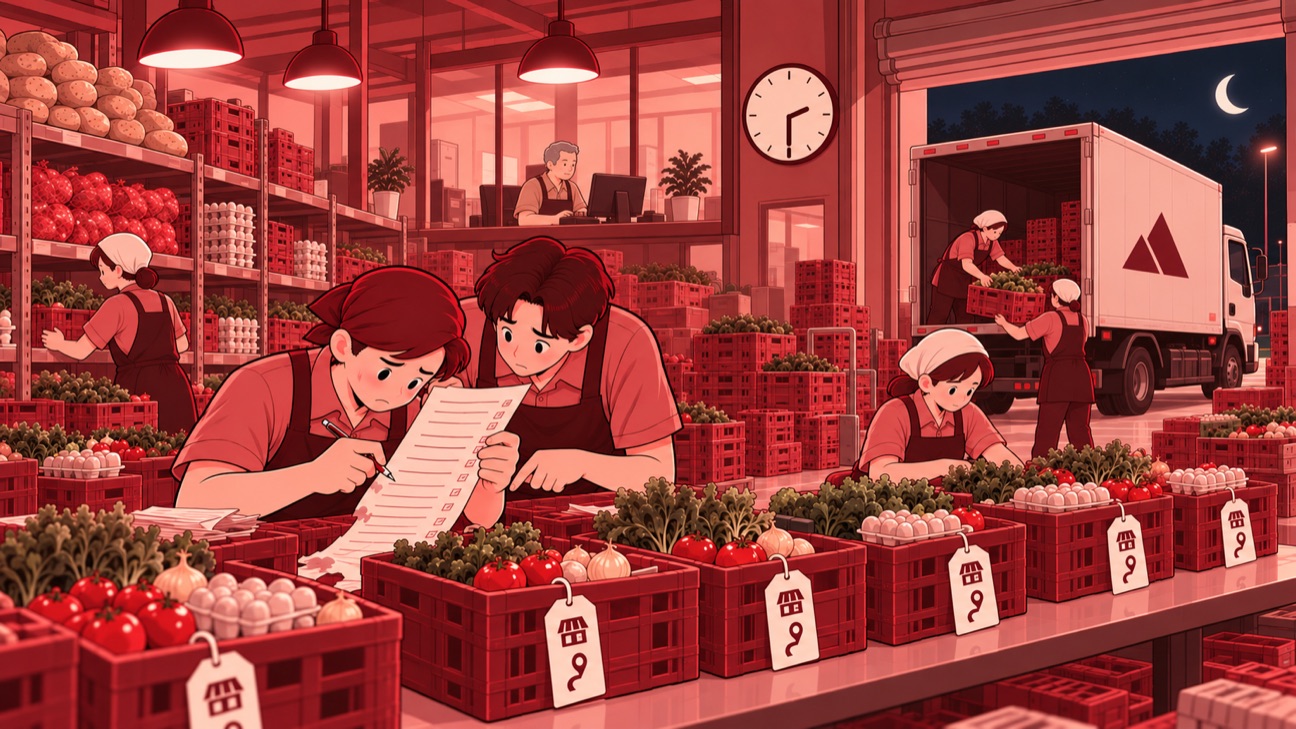
The check takes place from late night into the early hours. Goods produced in different places meet at the Depo, where items are prepared before delivery, and are then combined into customer baskets according to their routes. This distribution business also produces the goods it sells. Some items only arrive around two to three in the morning. The check is targeted to finish before four, then drivers arrive for loading at about half past four. Delivery starts at five in the morning. The arrival of goods and the departure time limit how long the check can take in between. Within that narrow window, the contents of each basket must match the latest order.
The printed list is the reference for the check and is marked by pen. When an order is added to or changed, the data changes with it, while the paper that has already been printed still shows the earlier arrangement. Long lists are also printed in small type to fit. In the work area, sheets used again and again risk getting wet, damaged, or lost. The physical check of goods therefore depends on a list that is separate from the order changes.
As head of the IT Division, I worked with the team to build a digital checklist that follows the route and the customer. The main change lies in the reference for the check: the list in the app uses the latest order data. The check no longer depends on a sheet printed beforehand. The team picks a route, opens the customer to be checked, then matches the items in the basket against the order details.
This arrangement connects the order of work in the app with the physical grouping of the items. The list per customer summarizes which items have been prepared, which have been packed, and which still need packing. The details show the ordered quantity and the number of packages for each item. Production preparation and packaging checks have different statuses, so finishing the preparation of an item does not automatically complete its packing checklist.
The check covers completeness, physical condition, and the visible packaging. The team matches the type and quantity of items, then inspects their condition before the basket is handed to the driver. If something is missing, damaged, or does not match, the information is passed to the production supervisor, who coordinates the fix or replacement. The check takes the customer's point of view at a stage when the goods are still at the preparation site.
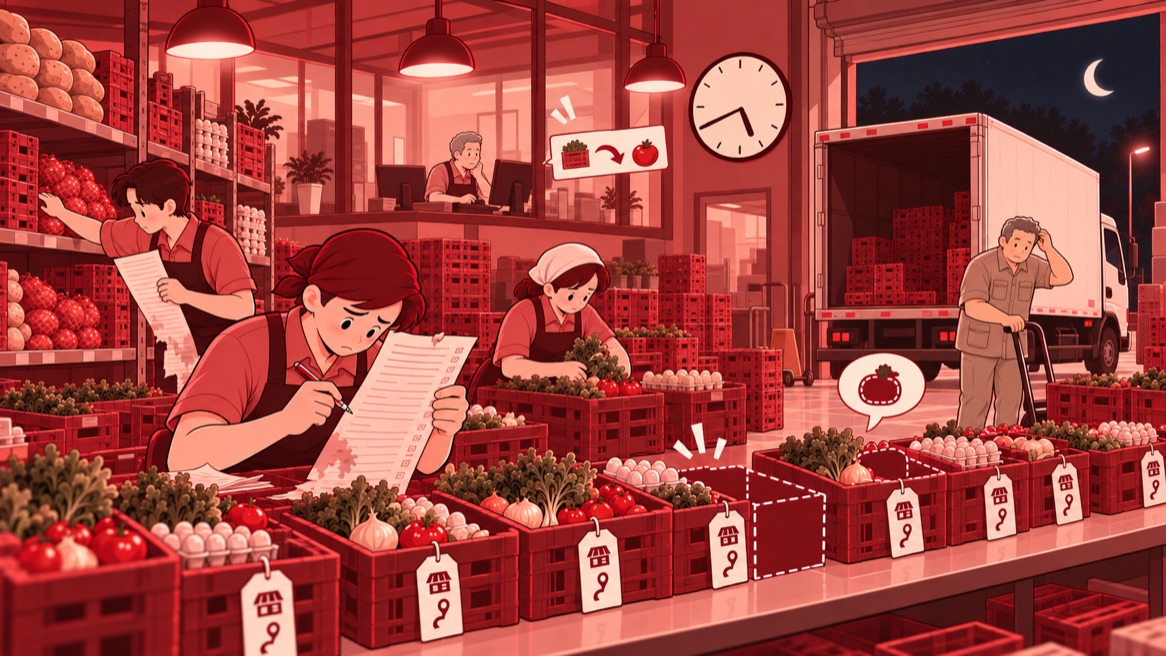
In day-to-day work, QC communication already carries concrete findings: an item that has not arrived, a vegetable type that differs from the request, a leaf condition that is a problem. Photos of the goods accompany these exchanges. Findings are raised from the preparation site, before waiting for a customer complaint. Coordination goes to the production supervisor, naming the mismatch that needs to be handled.
Completion of the check is recorded per item. Once an item has been checked, the staff member presses Konfirmasi Barang Kemas (confirm item packed) for that item. The system automatically stores the staff member's identity and the time of the record. The passed-check status forms when every active item on the order has a time record. Confirmation is given per item, so the trace of completion follows the details of what is in the basket.
An item that has been confirmed also has a repack option. The app shows the earlier packing status before the staff member chooses the next action. This step provides a way to check the same item again when the packing work needs to be repeated, still through the item details on the customer's order.
This trace accompanies later checks when an order needs to be traced. The item details show who packed it, while the time record explains when the confirmation was given. The work target remains finishing before the goods are loaded for the morning delivery. However, this checklist's passed status is not yet a mandatory condition for releasing a delivery, which still follows production status.
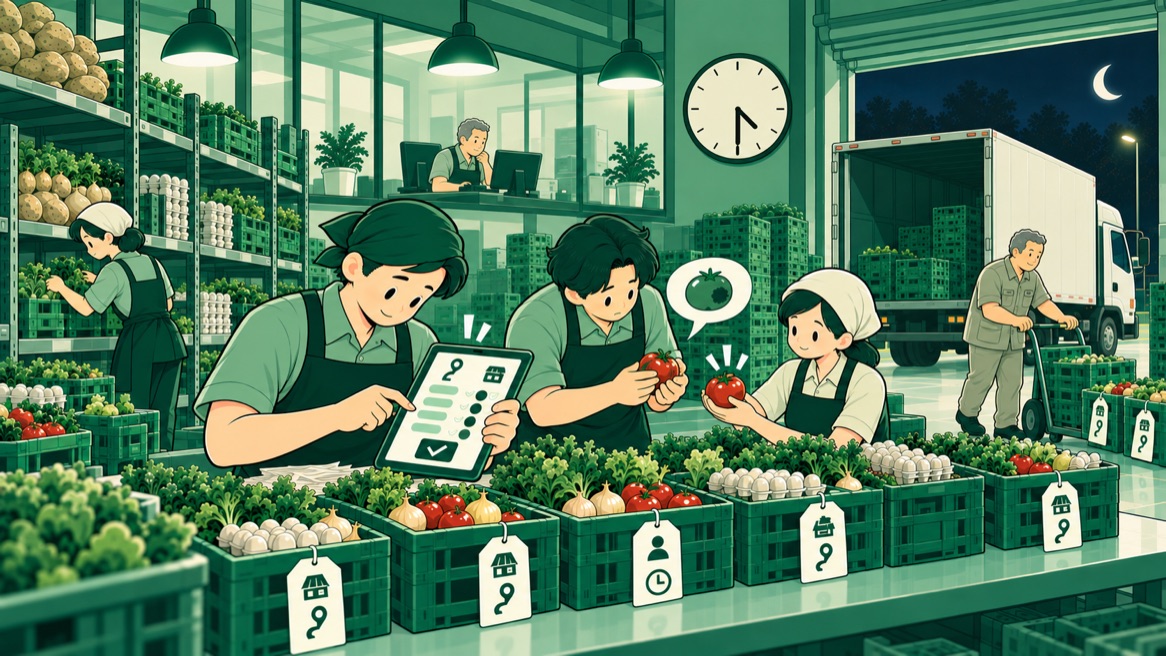
The division of work stays clear. The checking team combines the items and finds mismatches; the production supervisor coordinates the follow-up on the goods; the IT team provides the list and the record of completion. The checklist follows work that was already happening on the preparation floor. The change puts order data, the physical check, and the confirmation trace in the same sequence, at the moment the goods are still about to be handed over.
My lesson: a check before delivery needs a reference that keeps following the order. A tick only means something when it is given after matching the goods the customer will actually receive.